Getting started with our content experiences

A step-by-step guide for co-brandable marketing pages

Step 1: Enter your email address

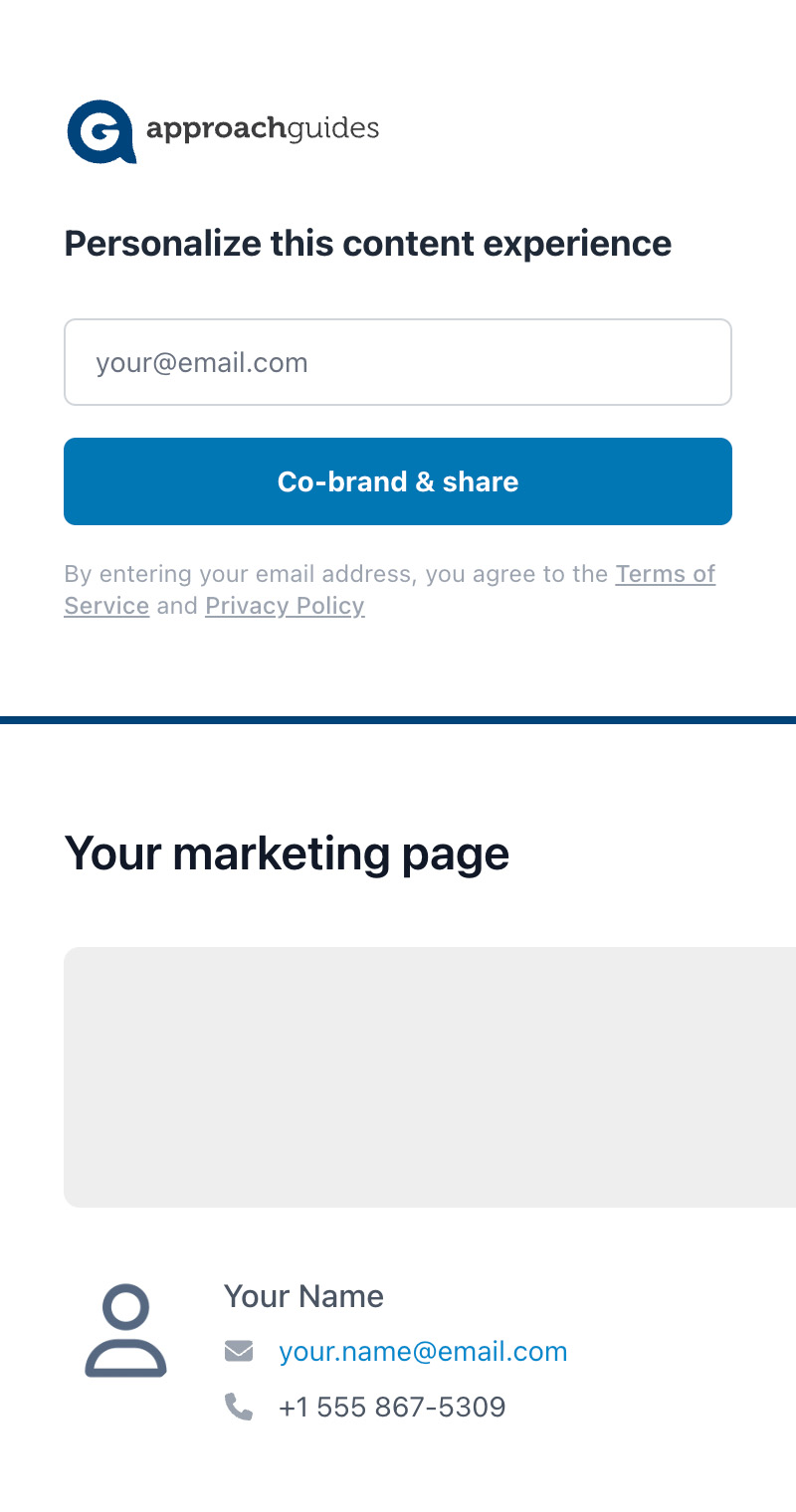
To get started personalizing your pre-built marketing page (aka “content experience”), just enter your email address.
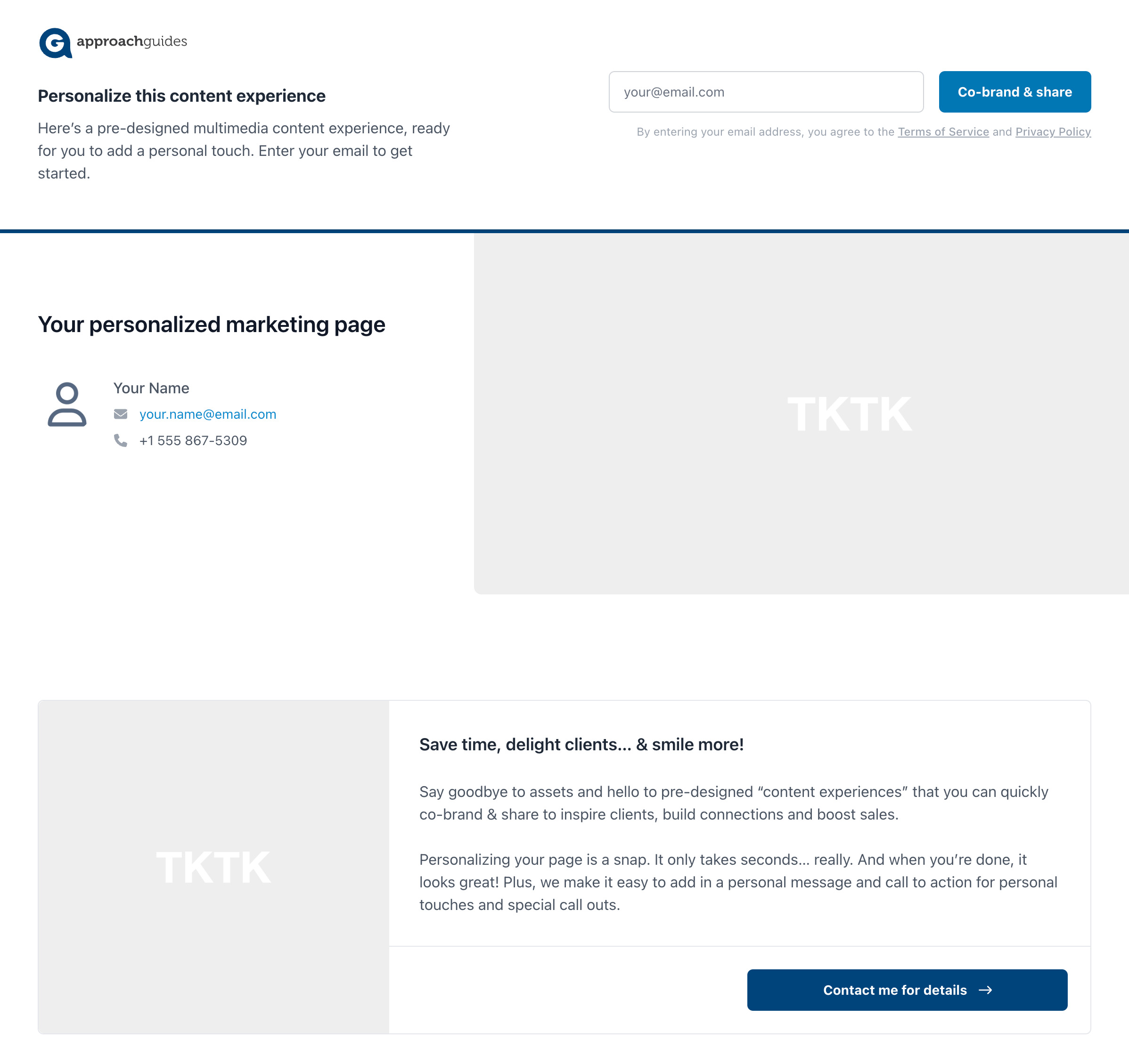
Desktop view

1

Mobile view

1

Step 2: Personalize

First-time users

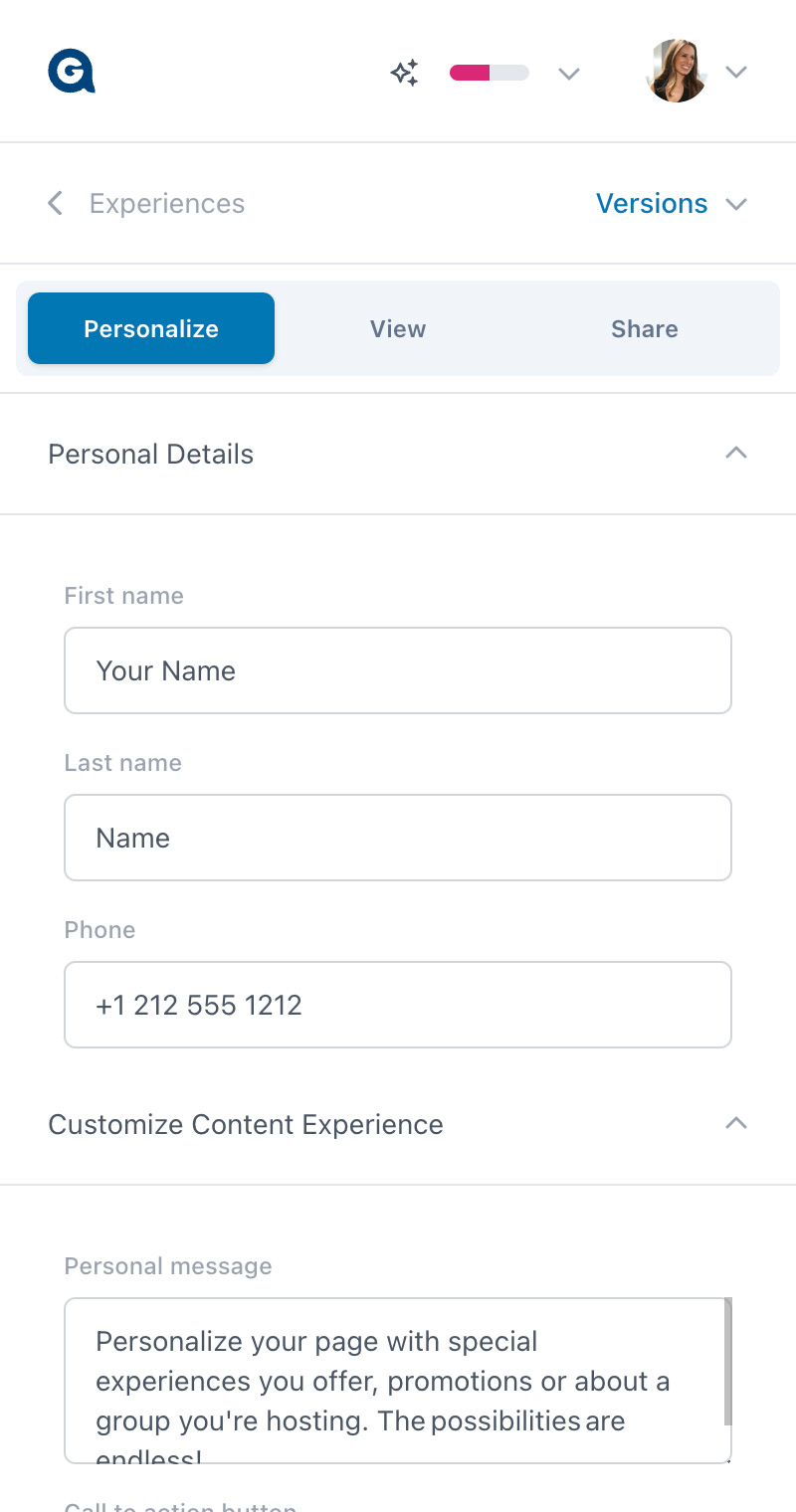
If you are entirely new to content experiences, you can instantly start personalizing your page: add your name, personal message and custom call to action.
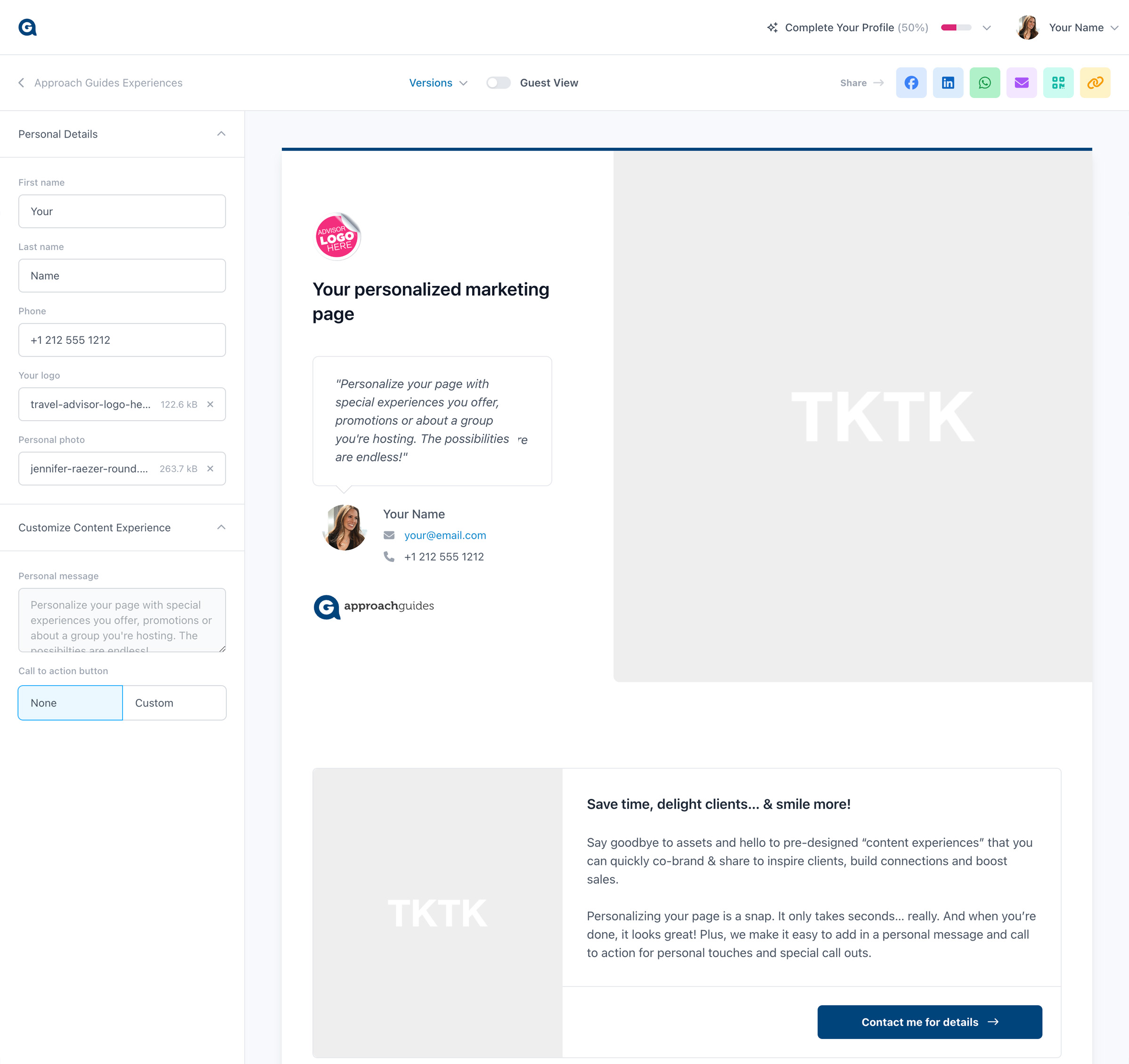
Desktop view

1

Mobile view

1
2

Existing users

For security reasons, existing users will be emailed a “magic link” for password-less login. Simply check your email and click the link (see below), then you will be immediately dropped into the content experience.

It looks the same as the view above, but with an added benefit: your page already has your personal details (name, phone number, etc). If you’d like to enter a personal message or a custom call to action, you can do that now.
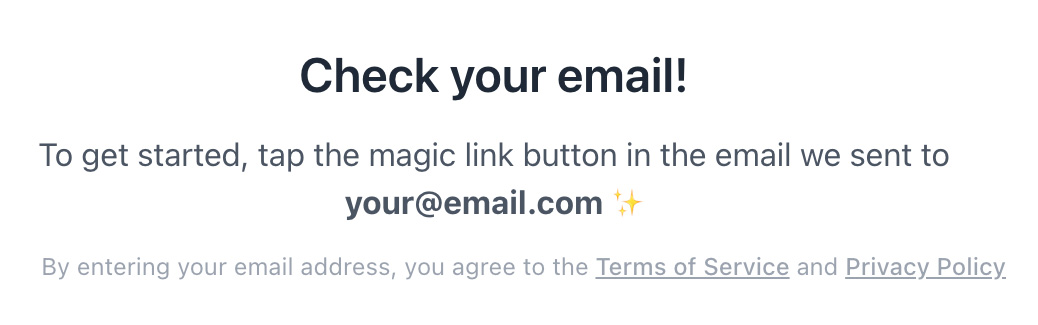
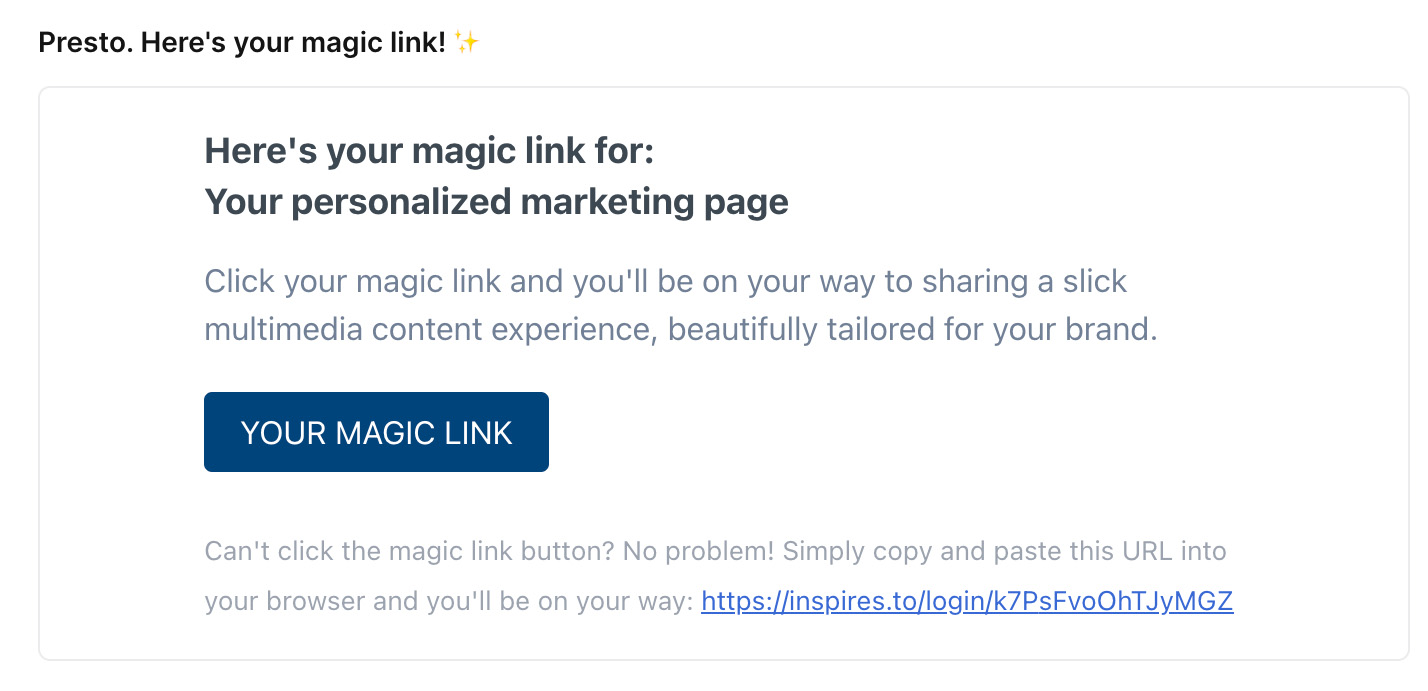
Magic link sent

Check your email

Step 3: Share with clients

Share with your clients at all touchpoints: email, social media, website, even via QR code. Our AI assistant makes crafting the perfect message even easier.
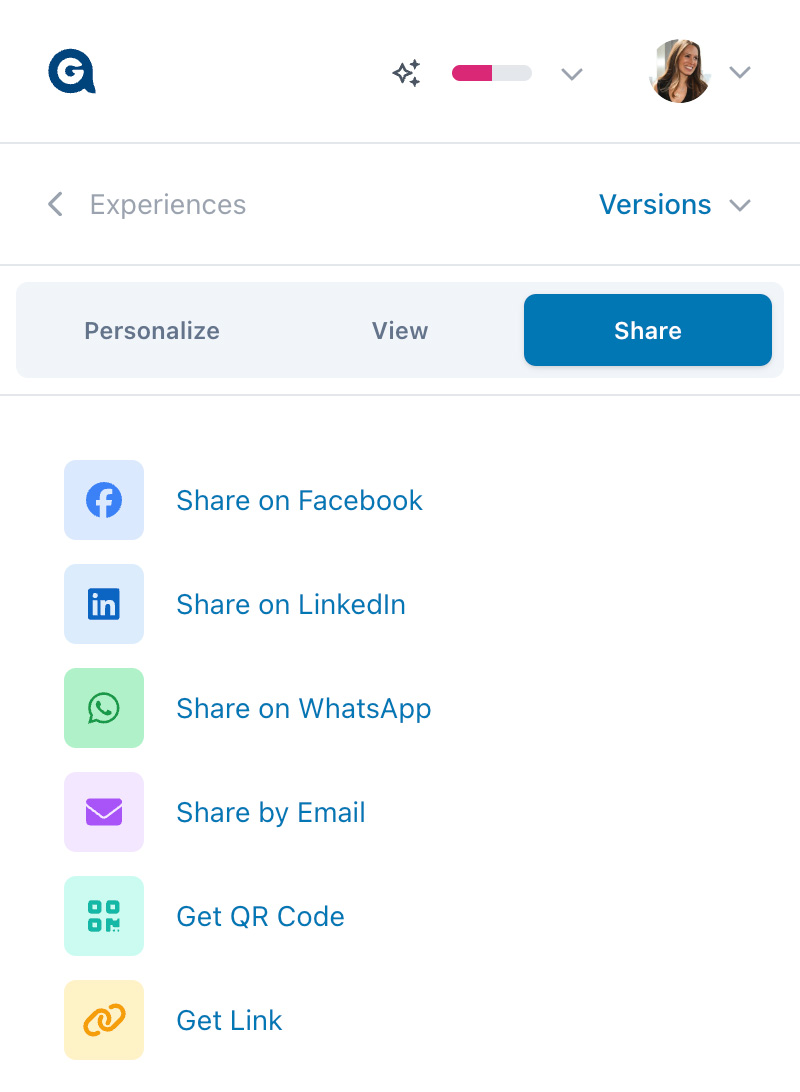
Desktop view

1

Mobile view

1

You’re done!
… now here’s why your content experience is great!

Here are a few things that make these content experiences so powerful in supercharging your outbound marketing.

  • Built-in lead generation for you! Using the email address you entered, we automatically activate the call-to-action buttons (“Contact me for details”) on the content experience to send a private email leads from your clients directly to you.
  • Your own co-branded website. For select supplier partners, we even automatically create a co-branded website for you—certain buttons link to the supplier’s website, where clients can browse itineraries and see pricing, all in your branded environment. Get your co-branded website.
  •  Your clients’ view. Your clients will never see the personalization sidebar on the left side — that’s secure and only visible to you. To see your client’s view, click the toggle at top or paste the link to your experience into an “incognito” window.
  • Complete your profile. We recommend taking a few minutes to update your profile. A more complete profile helps us connect you with your favorite suppliers and serve up just-the-right content for you.